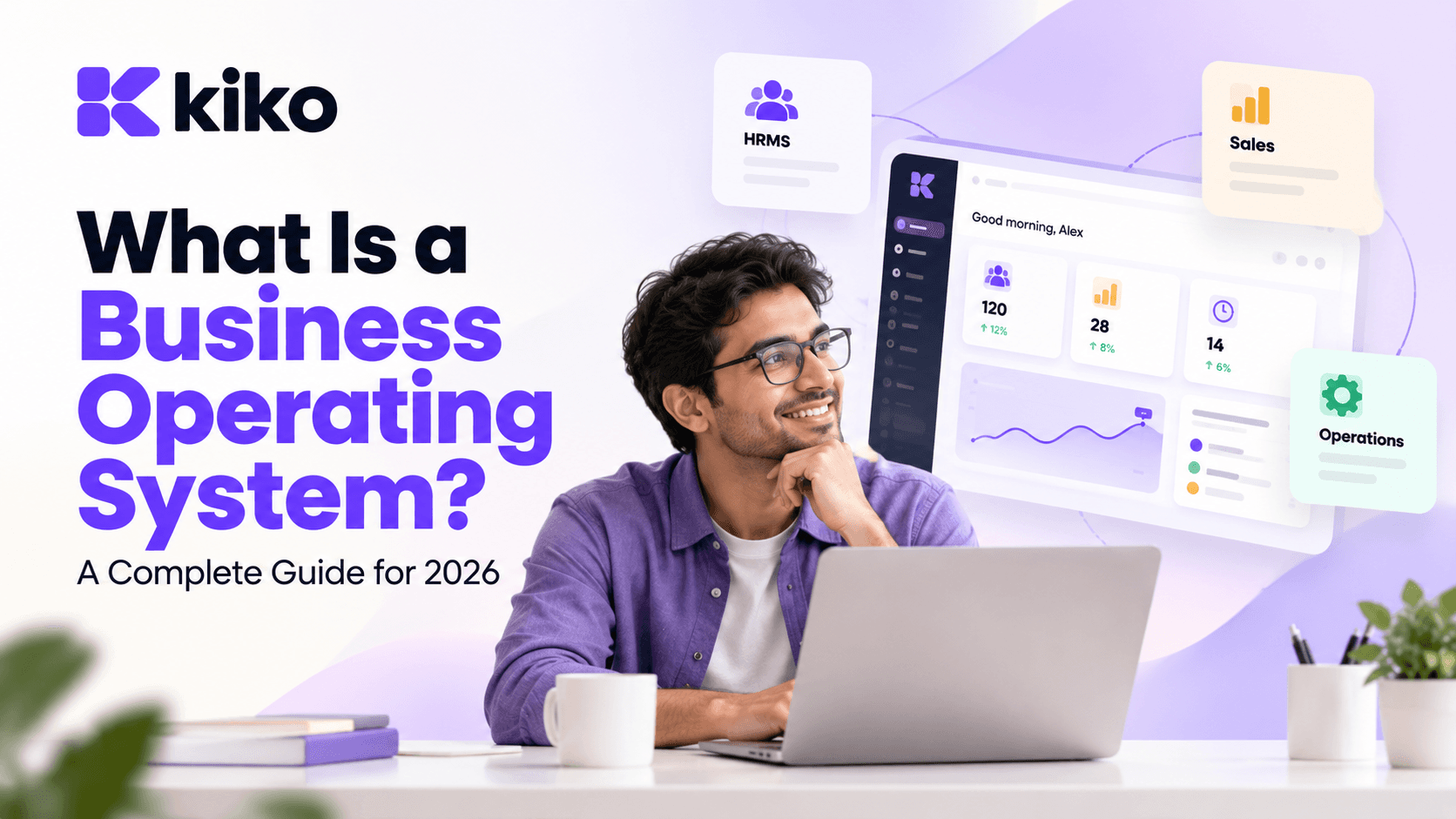
A business operating system is one connected platform that runs a company's core work, such as HR, payroll, sales and operations, on a single shared data layer. Instead of separate tools stitched together with integrations, every team works from the same records, so a new hire, a closed deal or a finished project updates everyone at once.
What is a business operating system?
Think about the operating system on your laptop. It doesn't write your documents, but it gives every app the same files, the same user accounts and the same rules. A business operating system (business OS) does the same job for a company: one set of people, customer, project and billing records that every department reads from and writes to.
Here is a one-line example. When a salesperson marks a deal as won, a business OS can create the delivery project, show which team members are available because leave and attendance live in the same system, and raise the first invoice, without anyone copying data between apps.
The phrase is used in two different ways, so it helps to separate them:
- Business OS as software: a unified business platform that replaces several point tools (an HRMS, a CRM, a project tracker) with modules that share one database. This guide is about this meaning.
- Business OS as a management method: frameworks such as EOS (the Entrepreneurial Operating System) describe how a leadership team sets goals, runs weekly meetings and tracks a scorecard. They are about habits and meeting rhythms, not software.
The two fit together well. A management framework tells you which numbers to review every Monday. A business OS platform makes sure those numbers come from one source of truth instead of five exports and a spreadsheet.
Business OS vs point SaaS tools vs ERP: what's the difference?
Most growing companies choose between two familiar options. Point SaaS tools are specialist apps that each do one job well. ERP (enterprise resource planning) systems are large suites built around finance, inventory and supply chain. A business OS sits between them: broader than a single tool, and usually lighter and faster to adopt than a traditional ERP.
| Factor | Point SaaS tools | Business OS | ERP |
|---|---|---|---|
| Scope | One job per tool: CRM, HRMS, project tracker, docs | HR, sales and operations on one data layer | Finance, inventory, supply chain, manufacturing, often HR |
| Data model | A separate database per tool, kept in sync by integrations | One shared database for every module | One database, usually centred on finance and inventory |
| Typical buyer | Team leads buying for their own department | Founders, COOs and operations leaders at growing companies | CFOs and CIOs at mid-sized and large enterprises |
| Time to go live | Days per tool, but integration work keeps growing | Weeks for the core modules | Often months, frequently with an implementation partner |
| Customisation | Limited to each tool's own settings | Configurable workflows and automations across modules | Deep, but often needs consultants or developers |
| Main risk | Tool sprawl, duplicate records, silent sync failures | A module may be less specialised than the best niche tool | Long projects and heavy change management |
| Examples | HubSpot, BambooHR, Monday.com, Notion | Kiko.one (HRMS, Sales CRM, Operations) | SAP, Oracle NetSuite, Microsoft Dynamics 365 |
The lines are not always sharp. Suites such as Zoho One bundle many apps under one account, and Odoo offers a wide set of business apps that many companies run as their ERP. When you compare vendors, the label matters less than one question: do the modules share the same records, or are they separate products connected behind the scenes?
That difference shows up every day. With point tools, the same employee exists in your HRMS, your payroll sheet, your chat tool and your project tracker, and each copy can drift. With a shared data layer there is one record, and every module sees the change the moment it happens. We cover the cost of that drift in more detail in our piece on consolidating the modern enterprise onto a unified business OS.
What modules does a business operating system include?
Platforms differ, but most business operating systems are built from five building blocks:
- People and HR (HRMS): employee records, onboarding, leave, attendance, payroll runs and employee self-service. This is usually the system of record for who works at the company.
- Sales and CRM: contacts, companies, deals, pipelines, quotas and forecasting. This is the system of record for revenue that hasn't arrived yet.
- Operations and projects: projects, tasks, milestones and vendors. This is where sold work actually gets delivered.
- Finance touchpoints: invoices, billing status and a sync to your accounting software. Many business OS platforms connect to tools such as QuickBooks or Xero rather than act as your general ledger.
- Automation, reporting and access control: workflows that cross modules, dashboards built on live data, permissions and audit logs.
The fifth block is what turns a bundle of apps into an operating system. If a closed deal can't trigger a project, or a resignation can't automatically remove CRM access, you have several apps that share a login page, not one system.
When you evaluate a platform, ask which of these modules are native and which depend on a third-party integration. Both can work, but native modules are what give you one record per person, customer and project.
What are the signs your company has outgrown separate tools?
Separate tools are a sensible way to start. Each team picks what it likes and gets moving. The problems show up as headcount, customers and tools grow. Watch for these signs:
- The same data is typed more than once. A new hire is created in the HRMS, then again in payroll, chat, the project tool and the CRM.
- Monthly reporting takes days. Someone exports CSVs from four systems and reconciles them in Excel before leadership can see the numbers.
- Nobody trusts the numbers. Headcount in HR doesn't match finance, and the pipeline in the CRM doesn't match the forecast sheet.
- Handoffs get dropped. A deal closes, but the delivery team hears about it days later by email.
- Automations break quietly. Zaps and scripts connect your tools, one person understands them, and failures are discovered by customers.
- Offboarding is risky. Removing a leaver means visiting a dozen admin panels, and someone always keeps access by mistake.
- Software spend grows faster than headcount. Every team adds seats and tools, and nobody owns the total.
If several of these sound familiar, consolidation is worth a serious look. Lumina Tech, a 240-person SaaS company, replaced BambooHR, HubSpot, Monday.com, Notion and Zapier with Kiko, reporting 62% lower software spend and a 14-day rollout. You can read the full Lumina Tech case study for how the move was planned.
Smaller companies feel these problems too, just earlier in the spreadsheet stage. If you run a team of 20 to 200 people, our page on software for small and mid-sized businesses covers what consolidation looks like at that size.
How do you evaluate a business OS? 8 questions to ask vendors
Demos tend to show the best path through the product. These eight questions get you to the parts that decide whether a business OS will work for your company:
| Question to ask | Why it matters | What a good answer looks like |
|---|---|---|
| 1. Is it one database, or separate apps synced together? | Synced apps bring back the duplicate-record problem you are trying to escape | A clear explanation of the shared data model, shown live by editing a record in one module and seeing it in another |
| 2. Which modules are native and which rely on integrations? | Integrations add cost, failure points and separate permissions | A written list of native modules and the specific integrations for the rest |
| 3. How do we migrate our data? | Migration is where most rollouts slip | Importers for the tools you use today, plus CSV and Excel, and a named person to help |
| 4. Can we build cross-module automations without code? | Automation is the main reason to unify | A live demo of a trigger in one module creating records in another |
| 5. How granular are permissions? | Salary data and pipeline data need different audiences | Role-based and field-level permissions, plus audit logs of who changed what |
| 6. What security certifications do you hold? | One platform holds more of your sensitive data in one place | An independent audit report such as SOC 2 Type II, shared under NDA, plus SSO and SCIM support |
| 7. What is automated for our country's rules? | Statutory payroll, tax and invoicing rules are local | A precise list of what is automated, what is a report you file yourself, and what is not covered |
| 8. What will rollout take and cost in total? | Seat prices rarely tell the whole story | A written plan with timeline, owner on each side, and all-in pricing including modules, onboarding and support |
Question 7 deserves extra attention if you are in India. Ask specifically about PF, ESI, professional tax and TDS on salary, and whether the system calculates them, files them, or only gives you data to file elsewhere. Vague answers here usually mean manual work later.
It also helps to run a short pilot. Pick one cross-team process that hurts today, such as deal-to-project handoff or new-hire onboarding, and run it end to end in the trial before you sign.
How does Kiko.one approach the business OS?
Kiko.one is a unified business operating system built in Nagpur, India. It runs three core modules on one shared data layer:
- Kiko HRMS: people records, onboarding, leave, attendance, payroll runs and employee self-service.
- Kiko Sales CRM: pipelines, deals, contacts, quotas and forecasting.
- Kiko Operations: projects, tasks, milestones, vendors and cross-team automations.
Because the modules share records, automations can cross team boundaries. For example, a closed-won deal can create the delivery project and the invoice, as described in the help guide on setting up closed-won automation. Payroll runs use the attendance and leave data that already sits in the HRMS, so nobody re-keys absences at month end.
Kiko connects to the tools most teams already rely on: Google Workspace, Microsoft 365, Slack, QuickBooks, Xero, Stripe and Zapier. Importers bring in data from HubSpot, Salesforce, BambooHR, Rippling, Notion and CSV or Excel files. On security, Kiko holds SOC 2 Type II, supports SSO with SAML 2.0 and SCIM provisioning, and offers role-based and field-level permissions with audit logs. The security overview has the full detail.
Kiko is not trying to be a manufacturing ERP or your general ledger. If your main need is inventory, production planning or full accounting, evaluate ERP systems alongside a business OS and decide which system should own which records. You can see how the modules fit together on the Kiko solutions overview.
Frequently asked questions
Is a business operating system the same as an ERP?
No. An ERP is usually centred on finance, inventory and supply chain, and often takes months to implement. A business OS centres on the daily work of HR, sales and operations teams on one shared data layer, and typically connects to accounting software rather than replacing it. Some companies use both, with clear rules on which system owns which data.
Who needs a business operating system?
Companies that have grown past a single team and now run HR, sales and delivery on separate tools are the usual fit. The trigger is less about headcount and more about pain: duplicate data entry, slow reporting, dropped handoffs and rising software spend. If those problems cost you time every week, a business OS is worth evaluating.
Can a small business use a business OS?
Yes. Small businesses often benefit most, because they can start on one system before tool sprawl sets in. Look for a platform that lets you switch on modules as you need them and offers plans sized for small teams. Kiko offers Starter, Professional and Enterprise plans, with quotes available on the pricing page.
How long does it take to move to a business OS?
It depends on how many tools you are replacing and how clean your data is. A focused rollout of the core modules can take a few weeks, and Lumina Tech moved 240 employees in 14 days. Plan for data clean-up, a parallel payroll run and short training sessions for each team.
See HR, sales and operations on one platform
The quickest way to judge whether a business OS fits your company is to watch your own workflows run in one. Book a 20-minute demo to see HR, sales and operations working from the same data, and bring the process that hurts most today.