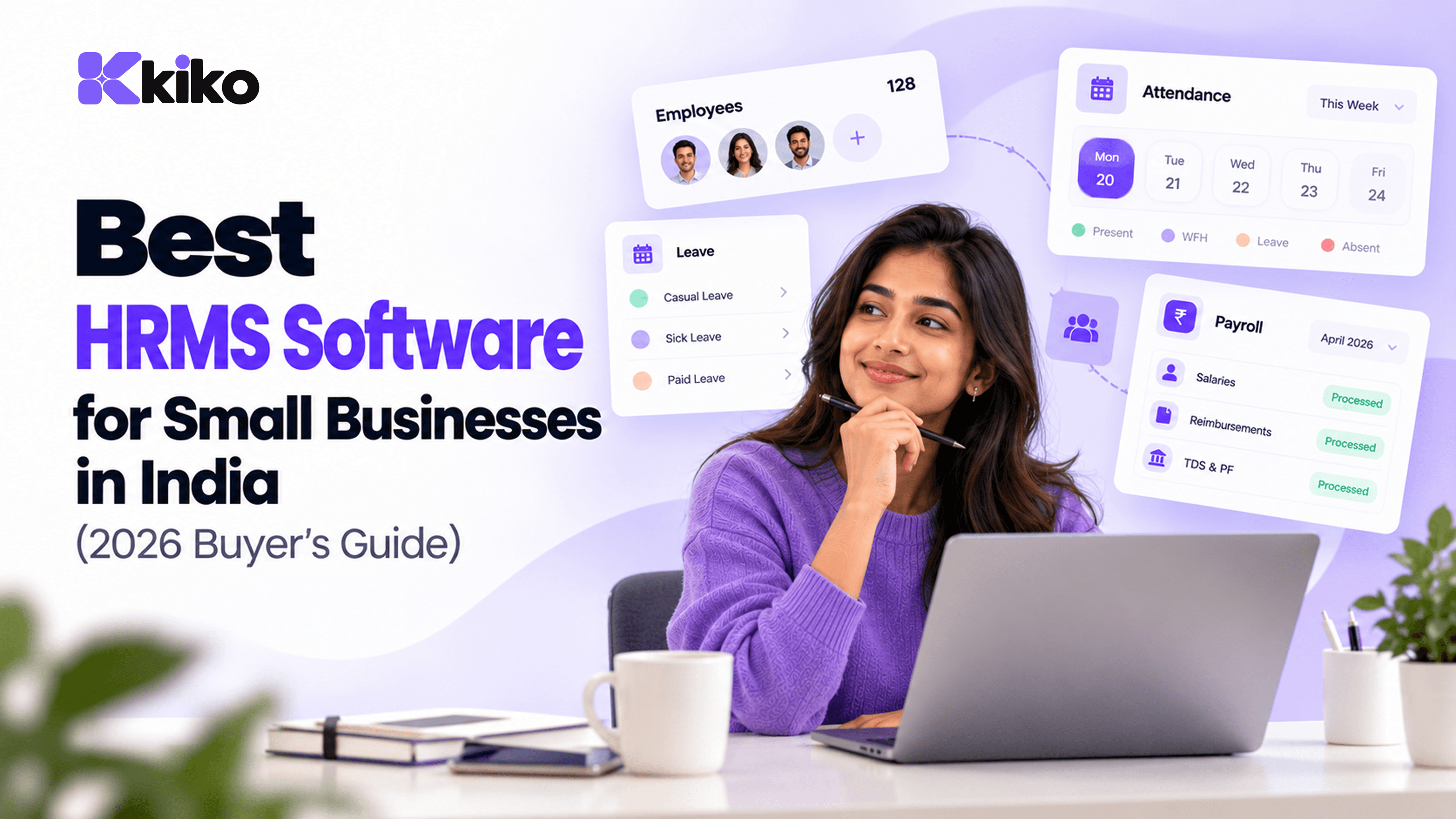
The best HRMS software for an Indian small business handles statutory payroll, attendance and leave, gives employees self-service access, and is priced for small teams. Shortlist tools on five points: statutory compliance, ease of setup, mobile attendance, integrations with your accounting and CRM, and whether HR data connects to the rest of your business.
What should you look for in HRMS software in India?
There is no single best HRMS for every company. A 30-person agency in Pune and a 300-person factory in Nagpur need different things. What they share is a short list of checks that decide whether a tool will save time or create new work. Start with these five:
- Statutory compliance: how the tool handles PF, ESI, professional tax, labour welfare fund and TDS on salary, and which of these it calculates, reports or files.
- Ease of setup: how long it takes to load employees, salary structures and leave policies, and whether you need a consultant to do it.
- Mobile attendance: whether field and remote staff can mark attendance from a phone, and whether office biometric devices can feed into it.
- Integrations: whether it connects to your accounting software, CRM, email and chat, or makes you export and re-import data.
- Connected data: whether HR data can be used by sales and operations, for commissions, project staffing and access control, without spreadsheets in between.
If you are still deciding what category of tool you need, our explainer on HRMS vs HRIS vs HCM covers the difference. Most Indian SMEs with 20 to 200 employees land on an HRMS.
Which features are must-haves for Indian SMEs?
Feature lists get long quickly. These are the capabilities that matter most for a small or mid-sized company in India, grouped by the problem they solve.
Statutory payroll
- Salary structures with basic, HRA and allowances, and support for revisions and arrears.
- Employee and employer PF, including the ₹15,000 wage ceiling and the EPS split.
- ESI for employees within the wage limit, with contribution periods handled correctly.
- Professional tax by state, including states that deduct half-yearly, and labour welfare fund where it applies.
- TDS on salary under both the new and old tax regimes, investment declarations and Form 16 data.
- Payslips, bank transfer files and the reports your accountant needs for filings.
Statutory rates and wage ceilings change, and the new labour codes affect how "wages" are defined for PF and other contributions. Ask each vendor how quickly rate changes reach the product and who is responsible for checking them.
Attendance and leave
- Web and mobile check-in, with location or photo capture if you have field staff.
- Biometric device integration for offices and plants.
- Shifts, weekly offs, holidays by location and overtime.
- Leave policies that match your state's rules and your company's own policy, with automatic accruals.
- Attendance and leave data flowing straight into payroll, so loss-of-pay days are not re-keyed.
Employee self-service
- A mobile app or mobile-friendly portal for payslips, leave requests and attendance.
- Tax regime choice and investment declarations submitted by employees directly.
- Document downloads such as salary certificates without emailing HR.
Security and access
- Role-based permissions so managers see their team but not everyone's salary.
- Audit logs of who changed salary, bank or personal data.
- Single sign-on if you already use Google Workspace or Microsoft 365.
How do the main HRMS options in India compare?
Below is a starting shortlist. Rather than compare prices and feature tick-boxes that change every quarter, the table shows each option's widely known positioning and the specific things to check before you buy. Always confirm current features and pricing on each vendor's own site.
| Option | Widely known positioning | Usually a good fit for | What to check before you buy |
|---|---|---|---|
| Keka | HR and payroll platform built for Indian companies, popular with startups and growing SMEs | SMEs and mid-sized firms wanting HR, payroll and performance in one India-focused product | Which modules are in your plan; how statutory filings are handled; how it connects to your CRM and accounting |
| greytHR | Long-established Indian HR and payroll software, known for statutory payroll and attendance | SMEs whose top priority is compliant payroll and attendance | Employee mobile experience; integrations beyond payroll; reporting your accountant needs |
| Darwinbox | HCM platform aimed at large and enterprise organisations, with talent and performance modules | Large, multi-location companies with an established HR team | Whether implementation effort and scope suit a small team; which modules you would actually use |
| Zoho People (with Zoho Payroll) | HR app within Zoho's suite of business apps; payroll is a separate Zoho product | Companies already running on Zoho apps | Whether you need both products; how data flows between them and your other tools |
| RazorpayX Payroll | Payroll product from Razorpay, payroll-first and linked to payouts | Small teams that mainly need payroll and compliance | Depth of HR features such as onboarding, leave policies and performance |
| Kiko.one | Unified business OS: HRMS, Sales CRM and Operations on one shared data layer | Companies that want HR connected to sales and delivery, replacing several tools | Which Indian statutory payroll features (PF, ESI, PT, TDS) are supported today for your setup |
| Spreadsheets plus an outside accountant | The default for very small teams | Teams of roughly under 20 with simple salary structures | Hours spent each month, error rate and how you would handle an audit |
Use a second table to score each shortlisted tool during demos. Give each criterion a weight that reflects your business, then score 1 to 5.
| Criterion | Why it matters for Indian SMEs | What to check in the demo |
|---|---|---|
| Statutory payroll | Mistakes mean interest, damages and unhappy employees | Run last month's payroll with your structures and compare every line with your actual payslips |
| Attendance | Attendance drives loss-of-pay and overtime | Mark attendance from a phone, import from your biometric device, and see it reach payroll |
| Leave | Leave rules differ by state and company policy | Configure your real leave types and check accruals and carry-forward |
| Self-service | Fewer payslip and leave queries to HR | Have two employees apply for leave and download a payslip on mobile |
| Integrations | Avoids double entry in accounting and CRM | See the actual connector for your accounting tool, not a slide |
| Setup effort | Small HR teams can't run a three-month project | Ask for a written plan and who does each step |
| Security | HR holds salary, bank and ID data | Role-based permissions, audit logs and SSO |
| Support | Payroll problems are urgent at month end | Support hours in IST, channels and response times in writing |
Where does each option fit best?
Put simply, the right choice depends on what you are optimising for.
- If compliant payroll is your main pain, India-focused HR and payroll tools such as greytHR and Keka are built around that problem and are worth shortlisting first.
- If you only need payroll, a payroll-first product such as RazorpayX Payroll may be simpler than a full HRMS.
- If you already run on Zoho, Zoho People with Zoho Payroll keeps you in one vendor's ecosystem.
- If you are a large enterprise with a mature HR team, an HCM such as Darwinbox covers talent and performance programs that SME tools often don't.
- If your bigger problem is disconnected teams, a business OS like Kiko.one puts HR, sales and operations on one data layer, so commissions, project staffing and offboarding don't depend on exports.
Where Kiko isn't the best fit
Being honest about fit saves everyone time. Kiko may not be the right choice if:
- You only need payroll for a small team and have no plans to connect HR to sales or operations. A payroll-only tool will be simpler.
- Automated filing of PF, ESI and TDS returns from inside your HRMS is a hard requirement. Ask Kiko's team exactly which Indian statutory features are supported today before you decide, and compare that with payroll-specialist tools.
- You need enterprise talent programs such as learning management and succession planning. A dedicated HCM is built for that.
Where Kiko fits well is when HR is one of several disconnected tools you want to replace. Kiko HRMS covers people records, onboarding, leave, attendance, payroll runs and employee self-service, and payroll runs use the attendance and leave data already in the system. The Kiko for HR teams page shows how the module works.
Standalone HRMS or a connected business OS?
A standalone HRMS does HR well and stops there. A business OS includes an HRMS but shares its data with sales and operations. Neither is better in general; the right choice depends on how much your teams depend on each other.
| Question | Standalone HRMS | Connected business OS |
|---|---|---|
| Depth of HR and payroll features | Often deeper in a specialist product | Covers core HR; check statutory depth |
| Sales commissions | Export deals from the CRM, import to payroll | Deal data and employee records already in one place |
| Project staffing | Check leave in one tool, plan in another | Availability visible where projects are planned |
| Offboarding | Remove access in each tool separately | One record controls access across modules |
| Number of vendors and contracts | One per function | One for HR, sales and operations |
If you are a 25-person company with a simple sales process, a standalone HRMS is usually enough. If you have sales, delivery and HR teams handing work to each other every week, the connected approach starts to pay off. Our page for small and mid-sized businesses covers what that looks like in practice.
How do you run a 2-week HRMS trial?
A structured trial tells you more than any number of demos. Pick two or three shortlisted tools and run the same plan in each. Use real, anonymised data where you can.
| Days | What to do | What you learn |
|---|---|---|
| 1 to 2 | Import 20 to 30 employees from your spreadsheet or current tool | How clean your data is and how good the importer is |
| 3 to 4 | Set up salary structures, leave types and holiday calendars | Whether your real policies fit without workarounds |
| 5 to 7 | Run last month's payroll in parallel and compare every payslip line | Whether statutory calculations match what you actually paid |
| 8 to 9 | Ask five employees to use self-service on their phones | Whether people will actually use it |
| 10 | Test attendance: mobile check-in and a biometric import | Whether attendance reaches payroll correctly |
| 11 | Pull the reports your accountant needs | Whether filings will be easier or harder |
| 12 | Connect accounting, email and chat | How much double entry remains |
| 13 | Raise two support tickets, one urgent | Real response times |
| 14 | Score each tool on your weighted criteria and get final quotes | A decision you can explain to the founders |
The parallel payroll run on days 5 to 7 is the most important step. If the numbers don't match to the rupee, find out why before you sign.
Frequently asked questions
How much does HRMS software cost in India?
Most HRMS vendors in India price per employee per month, often in tiers that add modules such as payroll, performance or recruitment. Some charge one-time setup or implementation fees. Get written quotes for your exact headcount and modules, and compare the total annual cost. Kiko offers Starter, Professional and Enterprise plans, with quotes available from the pricing page.
Is HRMS mandatory for small businesses?
No law requires you to use HRMS software. The law requires you to pay wages correctly and on time, deduct and deposit statutory contributions, and keep the required records and registers. An HRMS is simply the most practical way to do that once you have more than a handful of employees.
Can one tool handle HR, payroll and attendance?
Yes. Most HRMS products cover all three, and keeping them together means attendance and leave flow straight into payroll. Check that the payroll engine handles the statutory deductions for every state you employ people in.
How long does HRMS implementation take?
For a small business with clean data, setup can take from a few days to a few weeks. Most of the time goes into cleaning employee data, configuring salary structures and leave policies, and running at least one parallel payroll. Lumina Tech, a 240-person company, rolled out Kiko in 14 days, as described in the Lumina Tech case study.
Find the right HRMS for your team
Shortlist two or three tools, run the two-week trial and let the parallel payroll decide. If you'd like Kiko on that shortlist, compare plans or book a demo tailored to your team size, and bring last month's payroll so you can test it against real numbers.