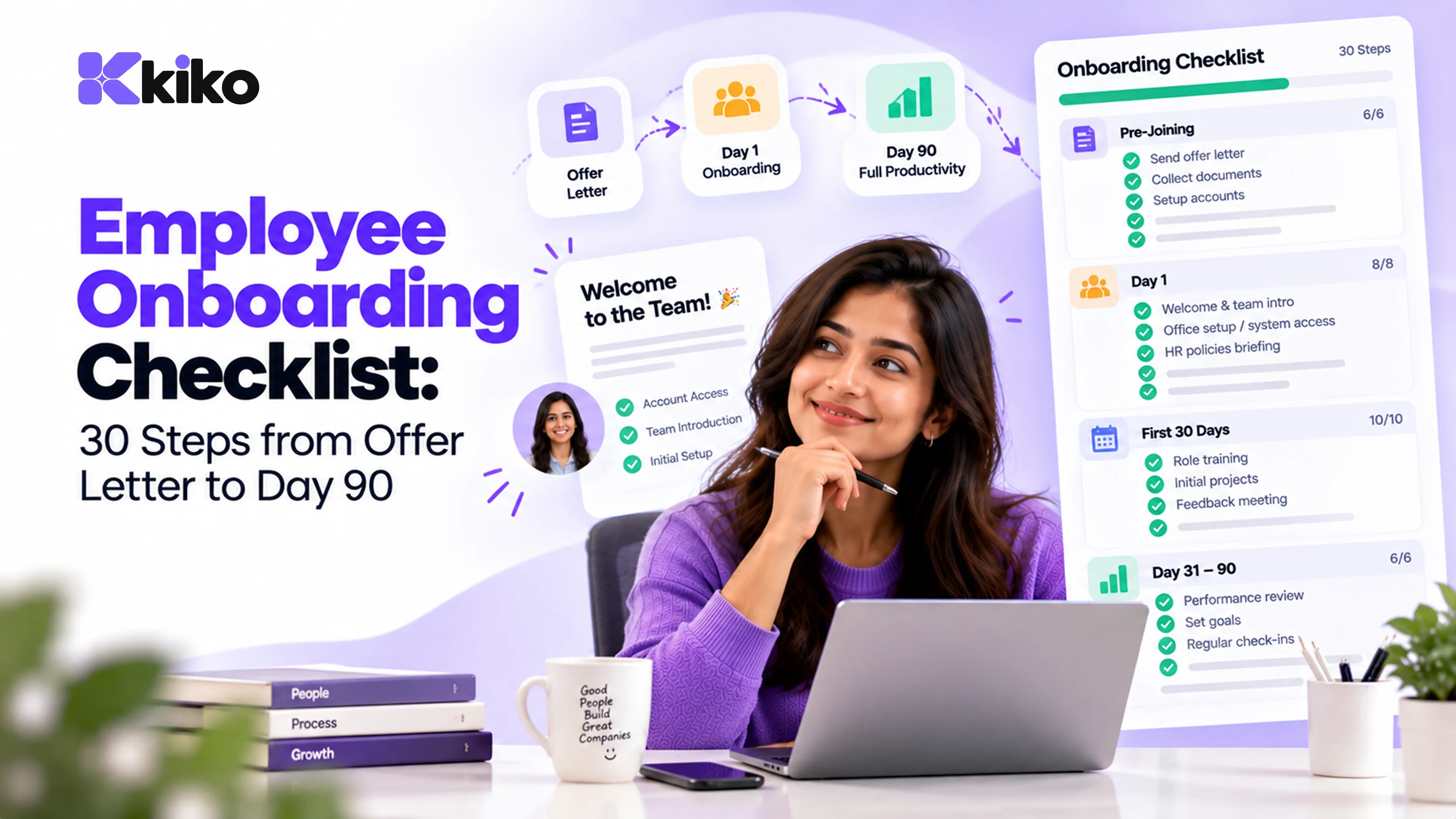
A complete employee onboarding checklist covers four phases: before day one (paperwork, equipment and accounts), the first day (welcome, tools and introductions), the first 30 days (training and early goals), and days 30 to 90 (feedback, check-ins and confirmation). Automating the paperwork and account setup lets managers spend their time on the human parts.
Onboarding starts when the offer is signed, not when the new hire walks in. The 30 steps below take you from offer letter to day 90, with an owner for each phase, the documents commonly collected in India, and a clear line between what to automate and what to keep personal.
What are the 4 phases of employee onboarding?
| Phase | When | Goal | Main owner | Steps |
|---|---|---|---|---|
| Before day one | Offer accepted to joining date | Paperwork done, equipment and accounts ready | HR, with IT | 10 |
| Day one | Joining day | The new hire feels welcome and can log in to everything | Manager, with HR | 6 |
| First 30 days | Weeks 1 to 4 | Training, relationships and a first piece of real work | Manager | 8 |
| Days 30 to 90 | Months 2 and 3 | Clear goals, feedback and a confirmation decision | Manager, with HR | 6 |
What should you do before day one? (10 steps)
- Send the offer letter and get it signed. Include role, reporting manager, cost to company, joining date, location and probation terms.
- Collect joining documents. Request them digitally with a deadline (see the India document table below). Collect only what you need and store it with restricted access.
- Complete background and reference checks if your policy requires them, with the candidate's written consent.
- Create the employee record in your HRMS. Personal details, role, department, manager, location and salary structure. This becomes the single record every other system uses.
- Set up payroll details. Bank account, PF and ESI applicability, and the employee's income tax regime choice and investment declarations. Our guide on how to calculate payroll in India explains each deduction.
- Arrange equipment. Laptop, phone, ID card and access card. For remote hires, ship equipment so it arrives at least two days before joining.
- Create accounts based on role. Email, chat and the tools the role needs, with permissions set by role rather than copied from a colleague.
- Assign an onboarding buddy from the same team but not the new hire's manager, and block time in the manager's calendar for the first week.
- Send a welcome email. Joining time and place (or video link), who to ask for, what to bring, and the first week's schedule.
- Tell the team. Share who is joining, their role and start date, and prepare their desk or workspace.
Which documents are commonly collected in India?
Requirements vary by company, role and state, so confirm your list with your HR or legal adviser. These are the items most Indian employers collect.
| Document | Why it is collected |
|---|---|
| PAN card | Income tax deduction (TDS) on salary |
| Aadhaar | Identity and address verification, and EPF and UAN linking. Collect with consent and store securely; many employers keep a masked copy. |
| Bank account details (often a cancelled cheque) | Salary payment |
| UAN (Universal Account Number) | Continuing the employee's existing PF account, if they had one |
| EPF declaration (Form 11) | Records previous PF membership for new joiners |
| Previous employer's relieving letter | Confirms the employee has left their last job |
| Previous employer's Form 16 or salary details for the year | Correct TDS when someone joins mid-financial year |
| Education and experience certificates | Verifying qualifications and past roles |
| Photographs, address proof, emergency contact | ID card, records and emergencies |
Because these documents contain personal data, limit who can see them. India's Digital Personal Data Protection Act, 2023 sets out duties for organisations that handle personal data.
What should happen on day one? (6 steps)
- Welcome from the manager, in person or on video, before any paperwork. First impressions come from people, not forms.
- Hand over equipment and check every login works. Have IT on standby for the first hour.
- Cover the company basics. What the company does, how teams fit together, and key policies such as leave, attendance, code of conduct and your POSH (prevention of sexual harassment) policy.
- Introduce the team and the buddy. Schedule a team lunch or a relaxed video call.
- Show employee self-service. How to view payslips, apply for leave, mark attendance and update personal details. See how employee self-service works in Kiko.
- Agree first-week goals. Two or three specific things to complete by Friday, and an outline of the 30-60-90 day plan.
What should the first 30 days include? (8 steps)
- Share a written training plan with topics, dates and who leads each session.
- Run product or service training so the new hire understands what customers buy and why.
- Book meetings with key colleagues in other teams they will work with.
- Assign a first real deliverable they can finish in the first two weeks.
- Hold weekly one-to-ones with the manager, focused on questions and blockers.
- Complete required training, such as information security, POSH and the code of conduct.
- Confirm the admin is finished. Documents verified, PF details linked and the first salary paid correctly.
- Do a 30-day check-in. Ask the new hire what has been clear, what has been confusing and what they need. Note the manager's early observations.
What should happen between days 30 and 90? (6 steps)
- Set measurable goals for day 60 and day 90, linked to the team's targets.
- Continue regular one-to-ones, weekly or fortnightly depending on the role.
- Exchange feedback at day 60, in both directions: how the new hire is doing, and how onboarding could improve.
- Increase ownership. Hand over a project, account or process they are responsible for.
- Hold the 90-day review and, if your probation period ends here, make the confirmation decision and issue the confirmation letter.
- Close out onboarding. Move the employee into your normal performance cycle and update the checklist based on what you learned.
What should you automate, and what should you never automate?
The rule of thumb: automate anything that is the same for every hire, and keep anything that builds trust personal.
| Automate | Keep human |
|---|---|
| Creating onboarding tasks for HR, IT and the manager when an offer is accepted | The manager's welcome on day one |
| Document requests and reminders | Setting goals and explaining why they matter |
| Account creation and removal through SSO and SCIM | Feedback conversations at 30, 60 and 90 days |
| Equipment requests to IT | The buddy relationship |
| Payroll setup from the employee record | The confirmation decision |
| Calendar reminders for check-ins | Answering "how am I doing?" |
In Kiko HRMS, onboarding sits next to people records, leave, attendance and payroll, so the new hire is entered once. You can create automations that assign onboarding tasks across teams, and invite new teammates to the workspace when they join. Learn more about Kiko for HR teams.
Free onboarding checklist template
Copy this structure into a spreadsheet or your HR tool. Add one row per step from the lists above and assign each row an owner and a due date relative to the joining date.
| Step | Phase | Owner | Due | Status |
|---|---|---|---|---|
| Offer letter signed | Before day one | HR | Joining date minus 14 days | Done |
| Laptop delivered and set up | Before day one | IT | Joining date minus 2 days | In progress |
| Manager welcome meeting | Day one | Manager | Day 1, 10:00 | Not started |
| 30-day check-in | First 30 days | Manager | Day 30 | Not started |
| 90-day review and confirmation | Days 30 to 90 | Manager and HR | Day 90 | Not started |
[ADD TEMPLATE DOWNLOAD LINK]
Frequently asked questions
How long should onboarding last?
Plan for at least 90 days, which matches the common length of a first probation review. Paperwork and setup take a few days, but becoming fully productive takes longer, especially in senior or technical roles. Many companies extend structured check-ins to six months for those roles.
What documents are needed to onboard an employee in India?
Commonly collected items are PAN, Aadhaar, bank account details, UAN for PF (if the employee had one), the previous employer's relieving letter and Form 16 or salary details, education certificates, photographs and an emergency contact. Exact requirements vary by company and role, so confirm your list with HR or legal advisers.
Who is responsible for onboarding?
HR owns the process and the paperwork. The hiring manager owns the experience, goals and feedback. IT owns equipment and accounts, and a buddy helps with day-to-day questions. Write the owner next to every step so nothing falls between teams.
How do I onboard remote employees?
Ship equipment early and have every account ready before day one. Replace in-person moments with scheduled video calls: a manager welcome, team introductions and buddy check-ins. Write things down more than you would in an office, and hold check-ins more often in the first month.
Automate onboarding in Kiko HRMS
Enter each new hire once and let onboarding tasks, leave, attendance and payroll follow from the same record. Book a demo to see onboarding in Kiko HRMS.